v0.13.6Patch release
Start with a conversation
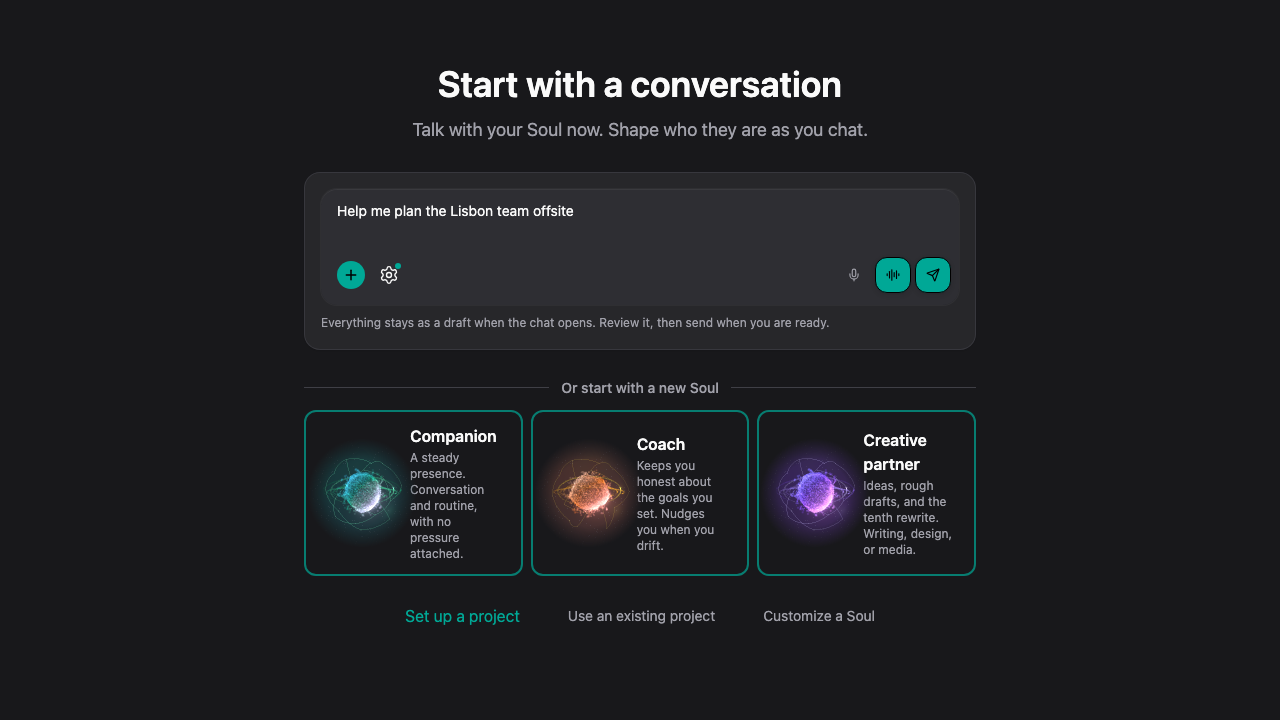
Start opens with a conversation. Type what is on your mind and your Soul's chat opens with it as a draft. Set up a project later from inside the chat, with your message already filled in.
New Features
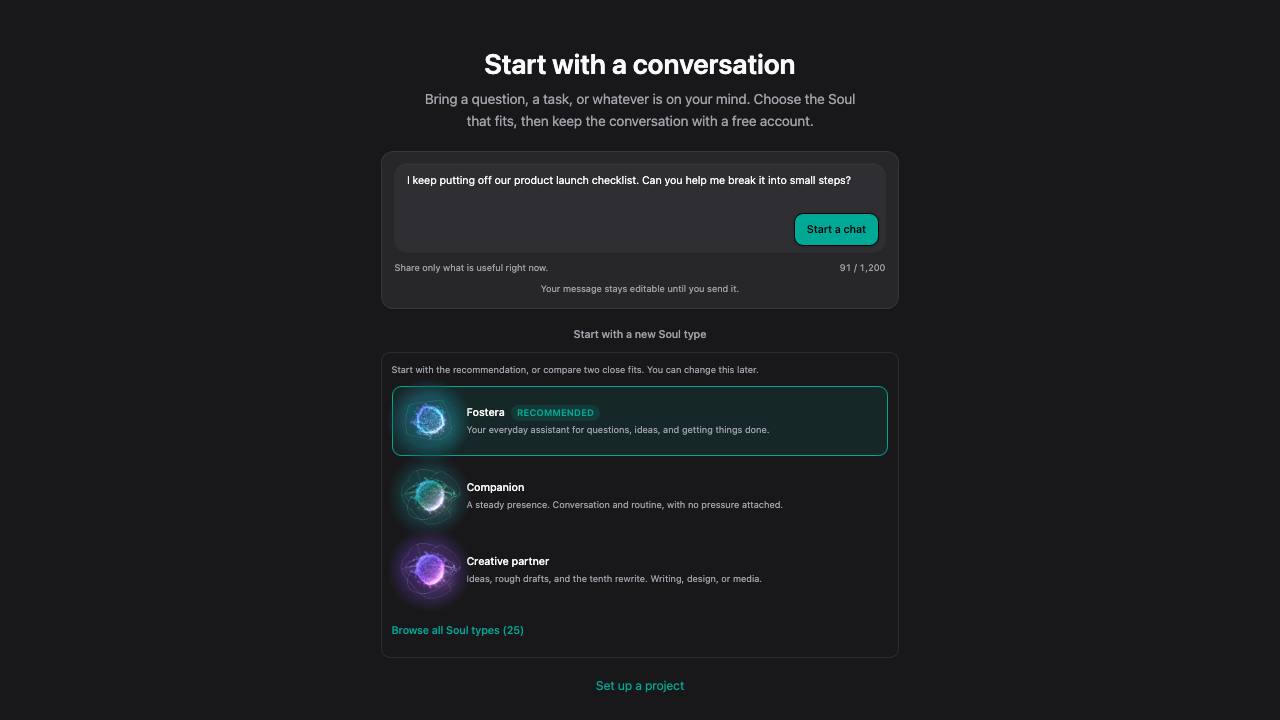
- Start opens with a conversation. Type what is on your mind, and your Soul's chat opens with your message as a draft that you can edit before you send it.
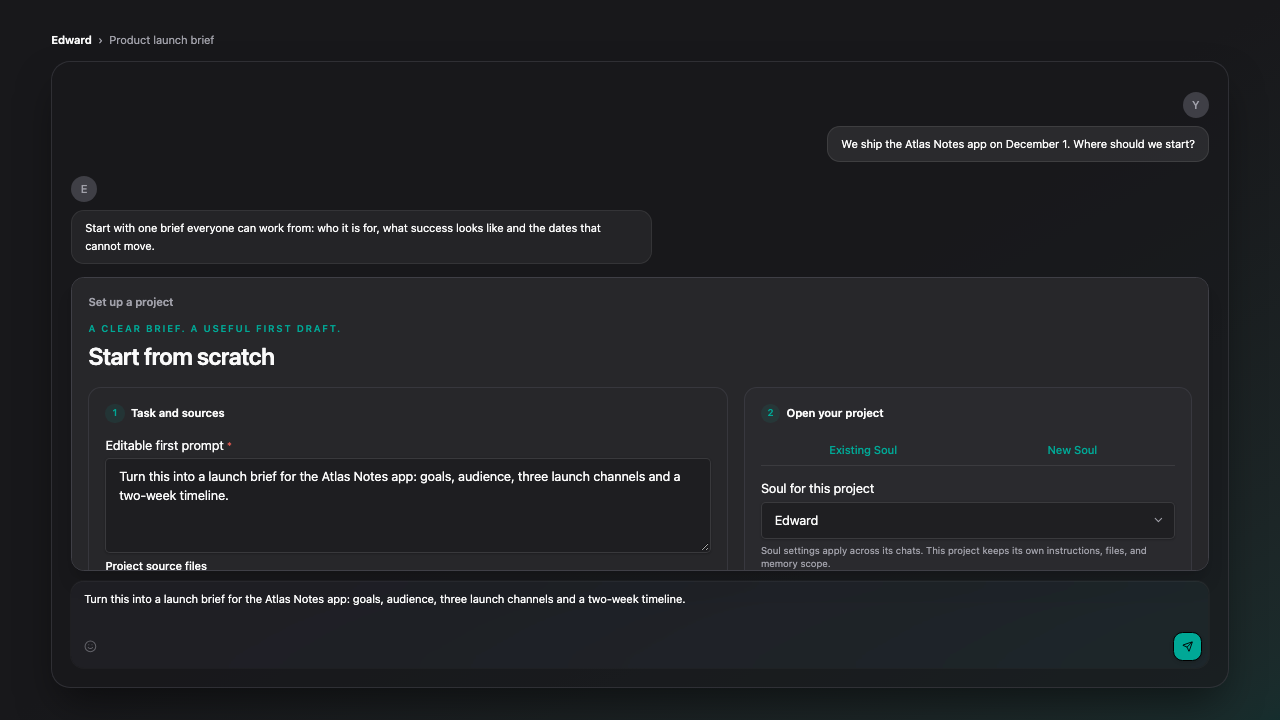
- Set up a project from inside a chat. The Set up a project option in the composer opens the setup right above the message box, with the message you were typing already filled in.
Improvements
- Starting a chat from Start opens your Soul's first-time setup only for a Soul that has not had it yet. Other Souls open a normal chat.
- Links from elsewhere that suggest a kind of Soul now put that kind first on Start, and Start links to Customize a Soul and Use an existing project.
- The Start page, its message box and the project setup panel sit below the top bar and work with a keyboard and screen reader.
- Advertising measurement now follows your Marketing cookie choice, never applies to anyone under 18, and respects Global Privacy Control. The Cookie and Privacy policies describe it.
Bug Fixes
- Fixed a chat started from Start reopening in Soul setup every time it was reloaded.
- Fixed the message you typed on Start being lost when choosing to set up a project.
- Fixed Core and Premium members seeing Free plan options in the Start composer.
- Fixed a Soul not searching Gmail when asked about emails, senders or subjects, and Settings now says when Google was connected without any service permission.
- Fixed the AI providers icon on the connectors page.
Limitations
- Files attached on the Start page are not carried into project setup. Only the typed message is.
- Turning off Marketing cookies applies to ad measurement from your next checkout.