v0.21.0Minor release
Animate your photos, your Google Maps places in Fostera, and steadier trip planning
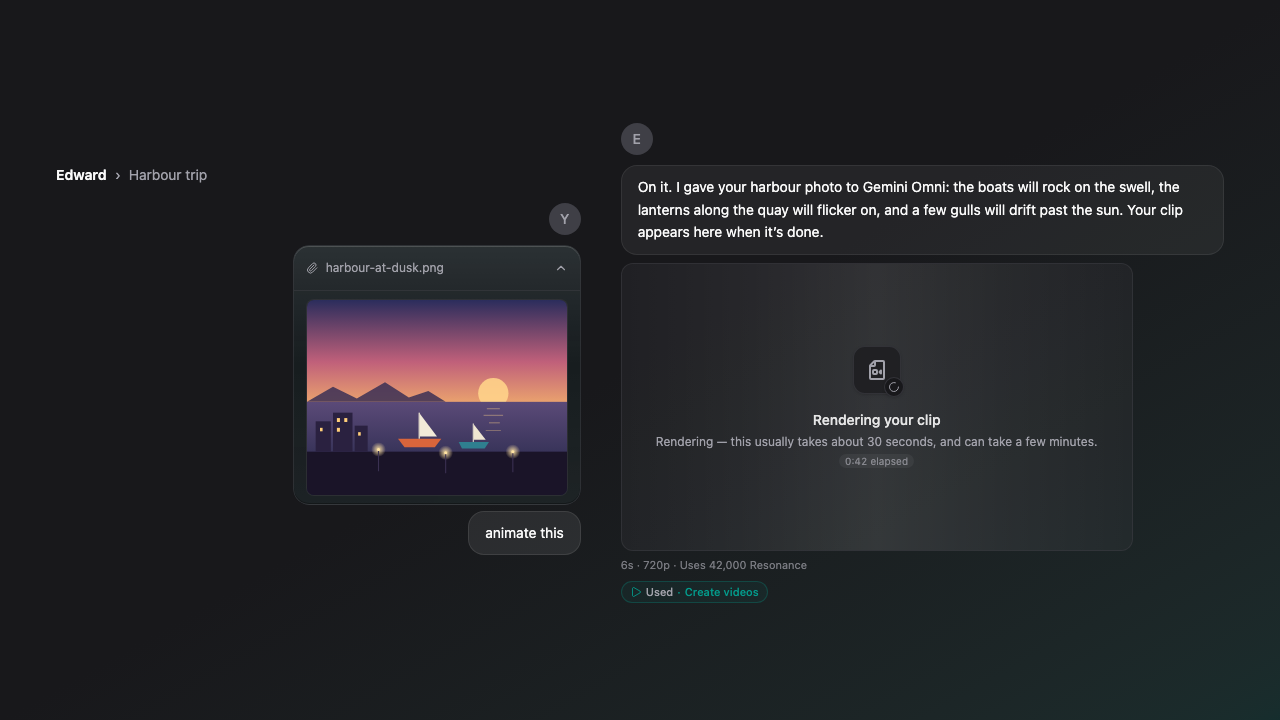
Attach a photo and say "animate this", and your Soul makes a short video from it. Bring in your Google Takeout saved lists once, and your Soul can find those places and pin them on your trips, then put a trip's places on a Google Maps list for you to save. Trip planning keeps land, road and fire details even when map data is slow, your Soul reads the right attached file, and it no longer searches the web for your own name or your project's.
New Features
- Attach a photo and ask your Soul to animate it or turn it into a video.
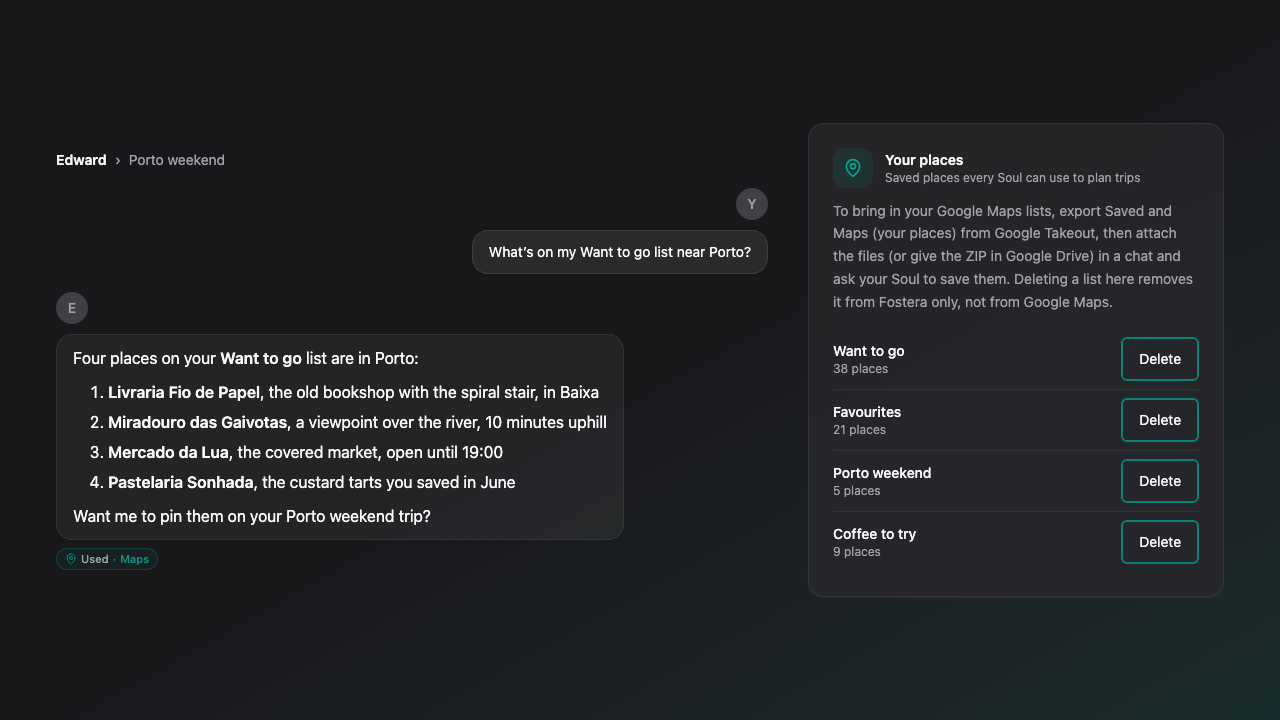
- Bring in your Google Takeout saved lists and starred places, then ask your Soul to find them or pin them on a trip.
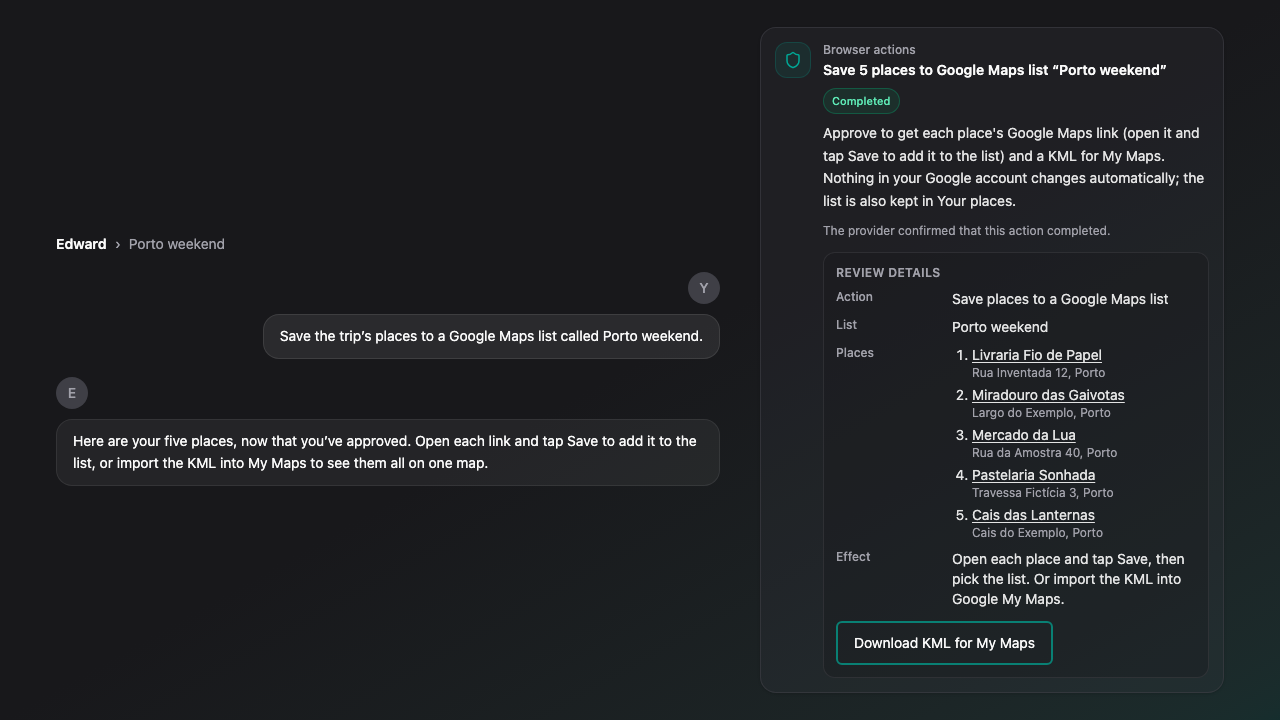
- Ask your Soul to put a trip's places on a Google Maps list: you get each place's Google Maps link and a file for Google My Maps.
- A Your places card in Settings shows your imported lists, and you can delete any of them.
Improvements
- Trip planning keeps who manages the land, the open forest roads and nearby fires even when map data is slow, and tries a second map server before giving up.
- Your Soul reads the file you meant even when it names it loosely, and doesn't try to read a file when the chat has none.
- Asking about yourself, your project or an attached file no longer starts a web search.
Bug Fixes
- Fixed trip planning returning no land, road or fire details when the open map service was busy.
Limitations
- Photo videos are made at 720p, and a video made from a photo costs slightly more than the same video from a description.
- Google Takeout archives can be imported from Google Drive; a ZIP can't be attached in chat yet, but the CSV and JSON files inside it can.
- Saving to a Google Maps list gives you each place's Google Maps link and a file for Google My Maps; Fostera doesn't add them to your Google Maps lists itself yet.
- Map details near a place come from open map data and can be slow or unavailable when that service is busy.